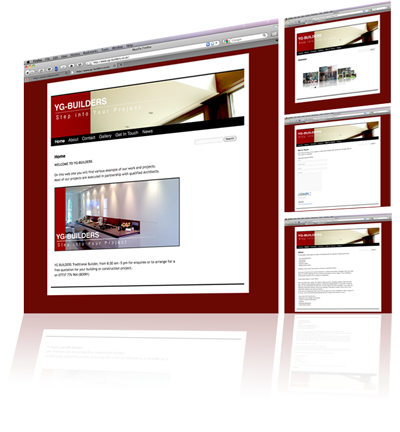
yg-builders.co.uk

I think it’s about time I was to update this section…busy,busy.
The “today-cell” is supposed to be highlighted with a light-blue color but is not!
Fear not a solution as been found for this silly annoying little problem…read on.
Some applications, apparently change the screen contrast without your knowing it. Then the highlight becomes impossible to see. You can manually change the screen contrast back so the highlight is visible. Go to the Universal Access system preference and click the Seeing tab. Move the contrast slider all the way to the left, to Normal. This should make the highlighted day visible.


Here is how to set up your iPhone or iPod Touch to sync calendars with Google over the air:
1. On your iPhone, go to Settings > Mail, Contacts, Calendars > Add Account > Other > Add CalDAV Account
2. For the CalDAV settings, enter the following information. Note that your username should be the email address you use to access your Google calendar as well as the password.

3. Then tap “Next” and it should verify your information.
4. If you can’t get your account verified, tap “Advanced settings” and make sure that “Use SSL” is On, that the port is 443, and that your Account URL includes the sign “@” in your email address.

That’s it!
Now every time you add an event to your iPhone calendar, it will also show up on your Google calendar, and vice versa. You obviously need to have internet access from your iPod or iPhone for the data to sync. Note that the sync is not immediate. It sometimes takes a few seconds but besides this, it works very well.
Deelo is my son and I love his passion for Music and especially playing Guitar.
I said I will give him a website for his Birthday to keep his Grand-Parents up-to-date and he just loves the attention.
This also allow me to show you (potential clients) what can be done with today CMS Tools.
It is very easy to managed even an 8 Year old can do it.
Phil
Simple…Like One Two Three